Complete Guide: Migrate from Bitbucket to GitHub (2025)

🔄 Updated December 2025 Link to heading
What’s Changed Since 2022:
- Bitbucket Cloud pricing changes - Free plan now limited to 5 users (was 5 in 2022, but workspace restrictions tightened)
- GitHub Actions matured - Now the industry standard for CI/CD, making migration even more valuable
- GitHub CLI improved - Version 2.x has better repo creation and migration features
- Bitbucket Pipelines - Still available but GitHub Actions has broader marketplace support
- Git LFS handling - GitHub now offers better large file support (up to 2GB per file with Git LFS)
Why Migrate in 2025:
- GitHub Copilot integration (AI-assisted coding)
- GitHub Advanced Security features (Dependabot, code scanning)
- Superior third-party integrations and Actions marketplace
- Better mobile app experience
- GitHub Projects for project management
This guide has been updated to reflect current best practices and the latest GitHub CLI features.
What you’ll need to follow this guide Link to heading
- a BitBucket repo you want to migrate from
- a GitHub repo you want to migrate to
- the GitHub CLI
Concept Link to heading
Migrate one more repositories from BitBucket to GitHub using a simple bash script.
Benefits Link to heading
For a time, BitBucket was a great place to find free code repository hosting. In more recent years however, GitHub has also introduced a free tier that provides more bells and whistles:
- Built-in vulnerability scanning
- GitHub Actions (we’ll play with these another time)
Implementation Guide Link to heading
The Source (BitBucket) Link to heading
Let’s say you have a BitBucket repo, here I’ll call mine
awesomesauce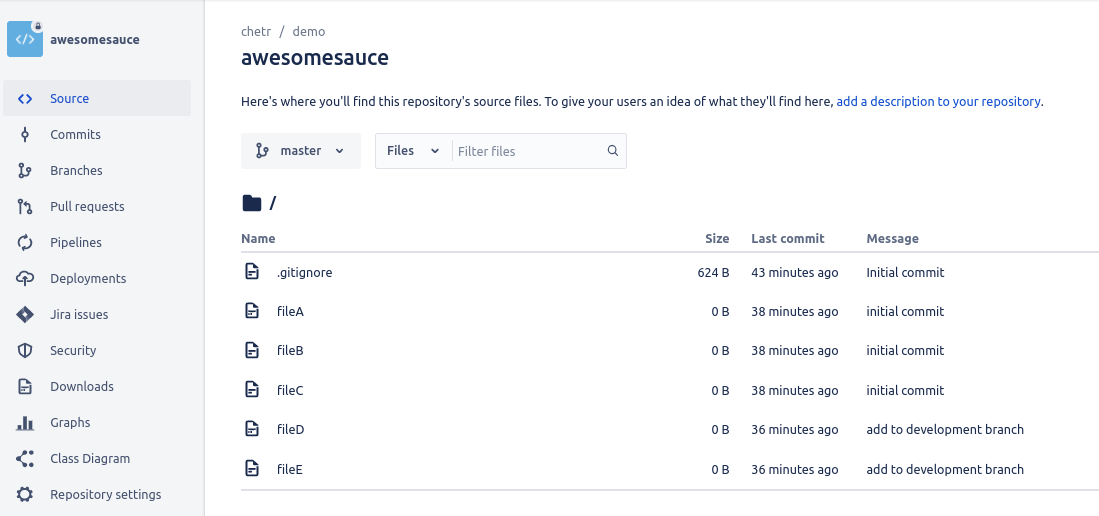
And this repository has multiple branches (featured here:
development,qa, andmaster) with a commit history that you wish you preserve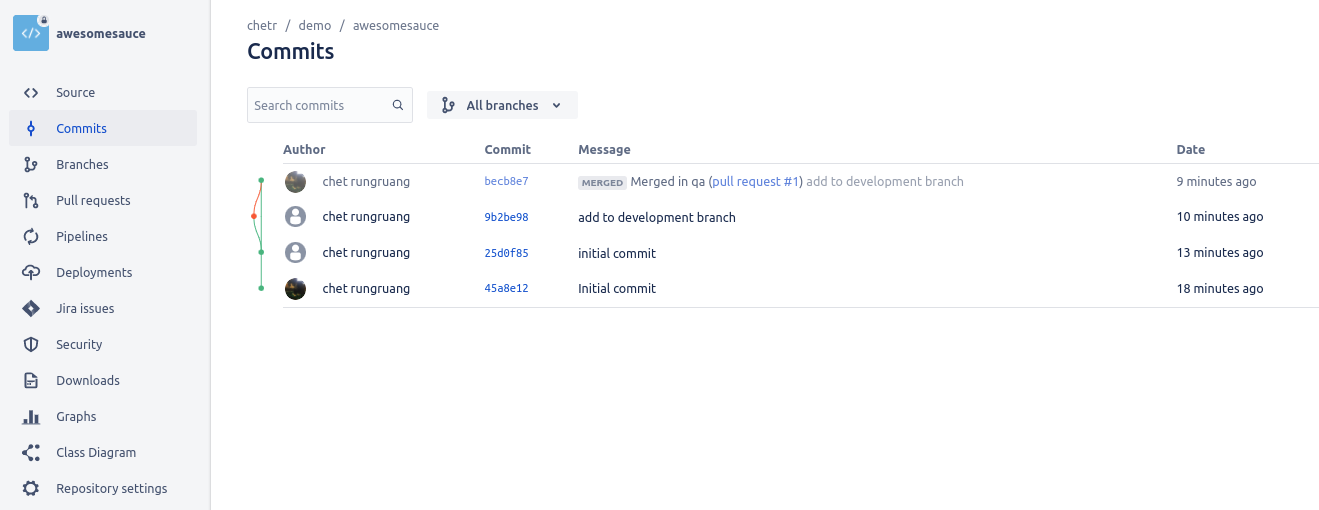
The Destination (GitHub) Link to heading
Instead of creating repos at the desination manually, we’ll be using the GitHub CLI in our script to create repos at the destination so make sure you set this up and are logged in.
The Bash Script Link to heading
Here we’ll call it bitbucket_to_github.sh
#!/bin/bash
BB_ORG=<your BitBucket organization name>
GH_ORG=<your GitHub organization name>

# List out all your repos here
for i in repositoryA repositoryB repositoryC; do

  ## Install and configure GitHub CLI https://github.com/cli/cli#installation
  # Create private repos
  gh repo create $GH_ORG/$i --private

  ## Regular git CLI
  # Check out existing repo from bitbucket
  git clone --mirror [email protected]:$BB_ORG/$i.git && cd $i.git

  # Display the branches that should be moving over
  git branch -a

  ### Add a new remote origin:
  git remote add neworigin [email protected]:$GH_ORG/$i.git

  ### Push all local branches and tags to neworigin
  # Push all local branches
  git push --all neworigin
  # Push all tags:
  git push --tags neworigin

  ### Garbage Collection
  # Cleanup checkout
  cd .. && rm -rf $i.git

done
Run the Script Link to heading
Hint: Don’t forget to chmod +x bitbucket_to_github.sh to give the script permissions to run
./bitbucket_to_github.sh
✓ Created repository crungruang/awesomesauce on GitHub
Cloning into bare repository 'awesomesauce.git'...
Receiving objects: 100% (9/9), done.
Resolving deltas: 100% (1/1), done.
  development
* master
  qa
Enumerating objects: 9, done.
Counting objects: 100% (9/9), done.
Delta compression using up to 8 threads
Compressing objects: 100% (6/6), done.
Writing objects: 100% (9/9), 1.22 KiB | 1.22 MiB/s, done.
Total 9 (delta 1), reused 9 (delta 1), pack-reused 0
remote: Resolving deltas: 100% (1/1), done.
To github.com:crungruang/awesomesauce.git
 * [new branch]      development -> development
 * [new branch]      master -> master
 * [new branch]      qa -> qa
Everything up-to-date
Verify on GitHub Link to heading
Looking on GitHub we see a familiar repository!
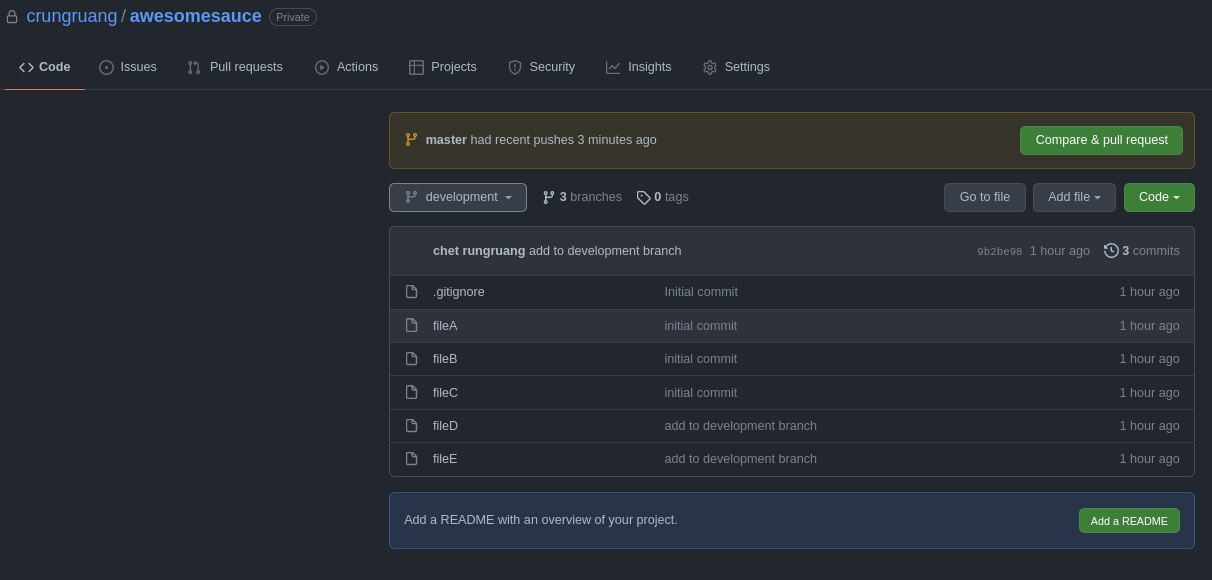
Commit history is also present!
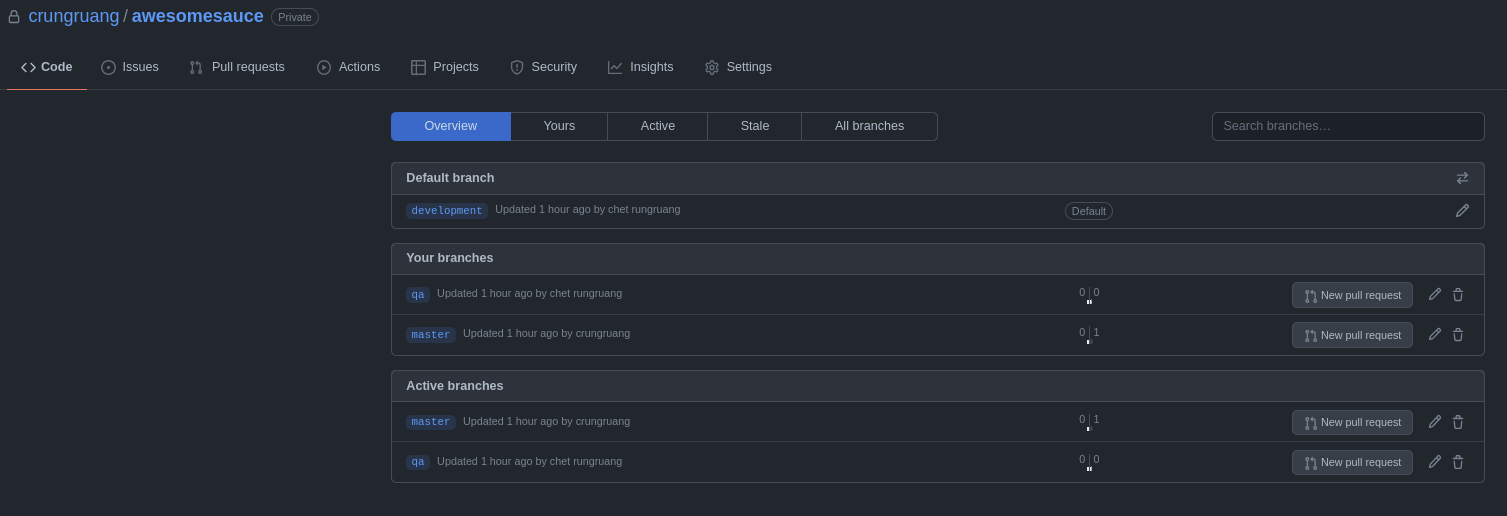
Conclusion Link to heading
With just a little elbow grease on the script to plug in your specific values, you should easily be able to migrate from BitBucket to GitHub, while preserving all branches and commit history. Enjoy some of the perks on GitHub!
2025 Alternatives & Modern Approaches Link to heading
GitHub Importer (Web UI Method):
GitHub now offers a web-based importer at https://github.com/new/import that can handle Bitbucket migrations directly without scripting. Good for:
- Single repository migrations
- Teams less comfortable with command line
- Repositories without complex branch structures
GitHub CLI v2.x Enhancements: The script above still works, but GitHub CLI now supports:
# Create repo with more options
gh repo create $GH_ORG/$i --private --description "Migrated from Bitbucket"

# Clone with better progress indicators
gh repo clone $GH_ORG/$i
GitHub Actions for CI/CD Migration: When migrating from Bitbucket Pipelines to GitHub Actions:
- Use
actions/checkout@v4(latest version as of 2025) - GitHub Actions marketplace has 20,000+ actions
- Free minutes: 2,000/month on free plan, 3,000/month on Pro
Related Guides:
Considerations Link to heading
- GitHub has a Large File size limit of 100MB and this migration is known to fail if a file this large was ever part of your repo’s live branch or history. I’ll provide some ideas on dealing with this in another post.